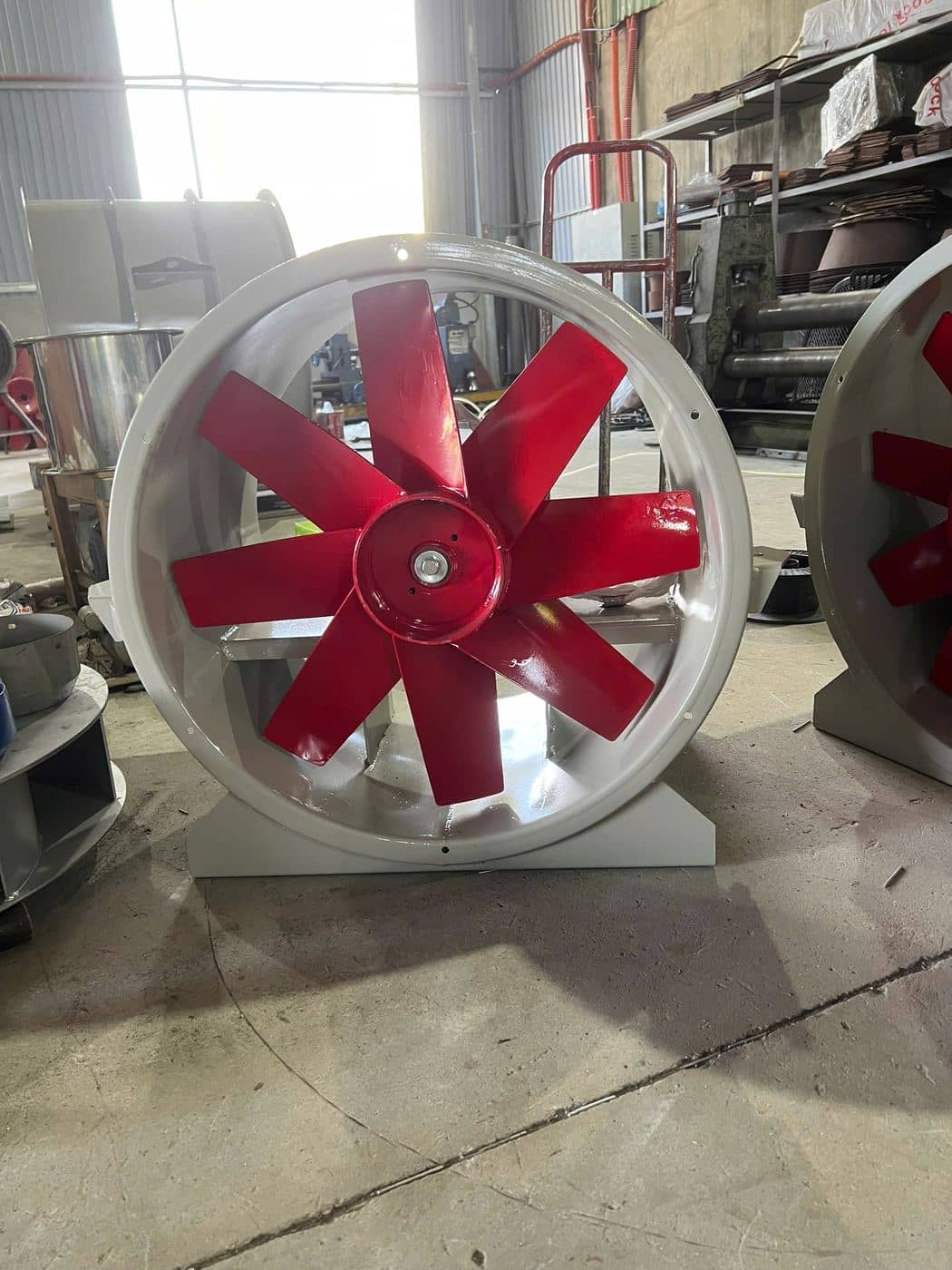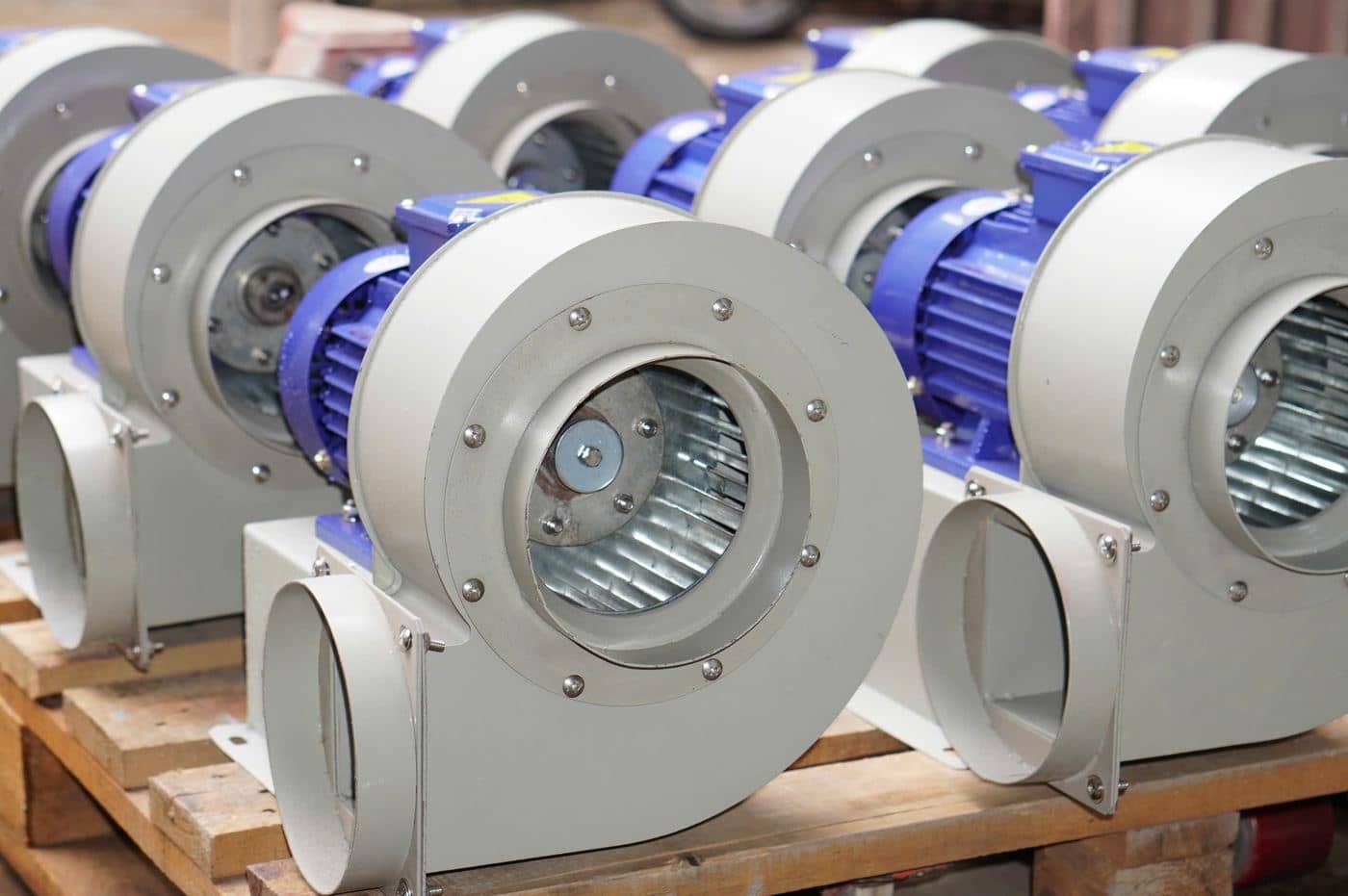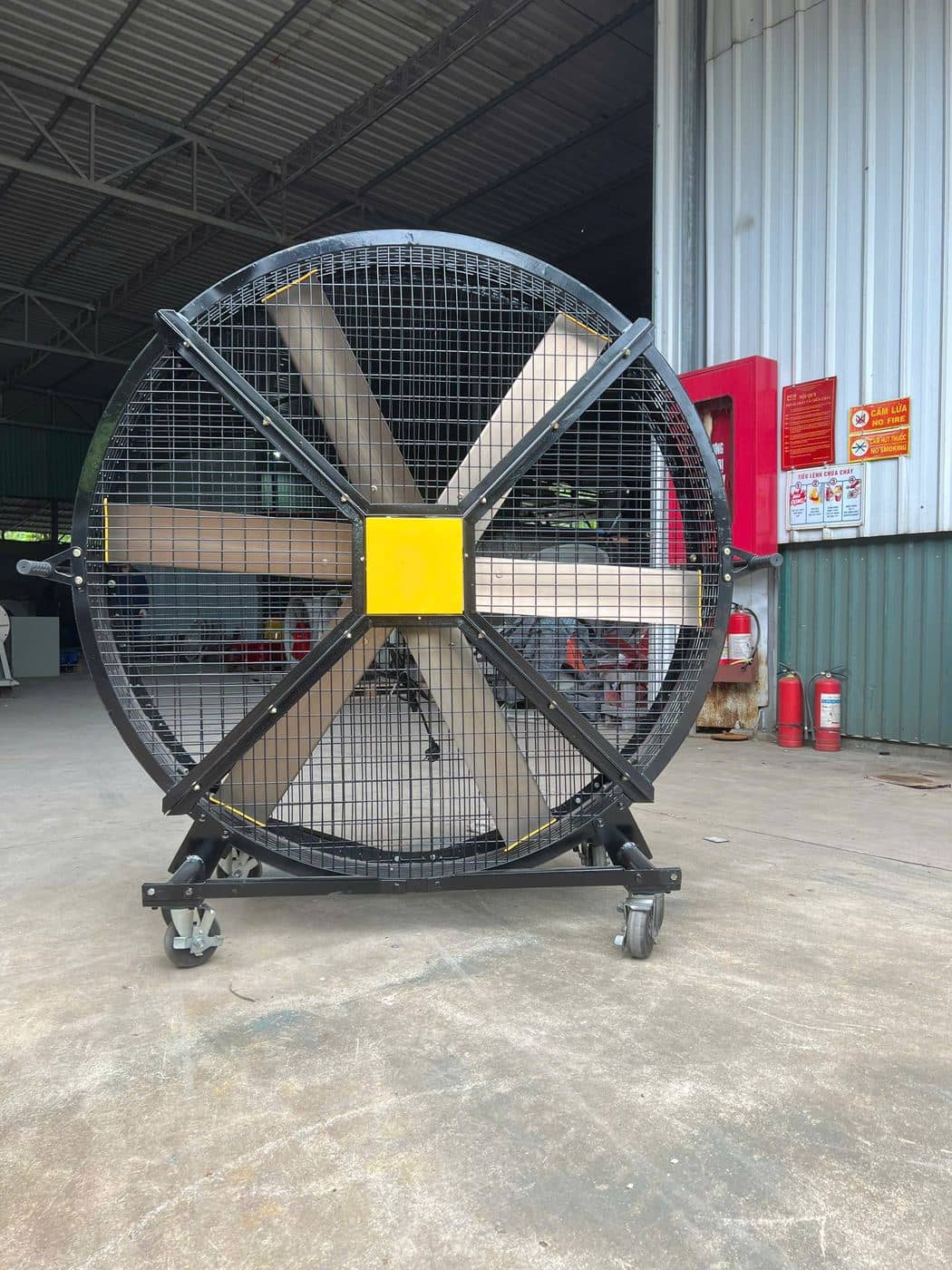
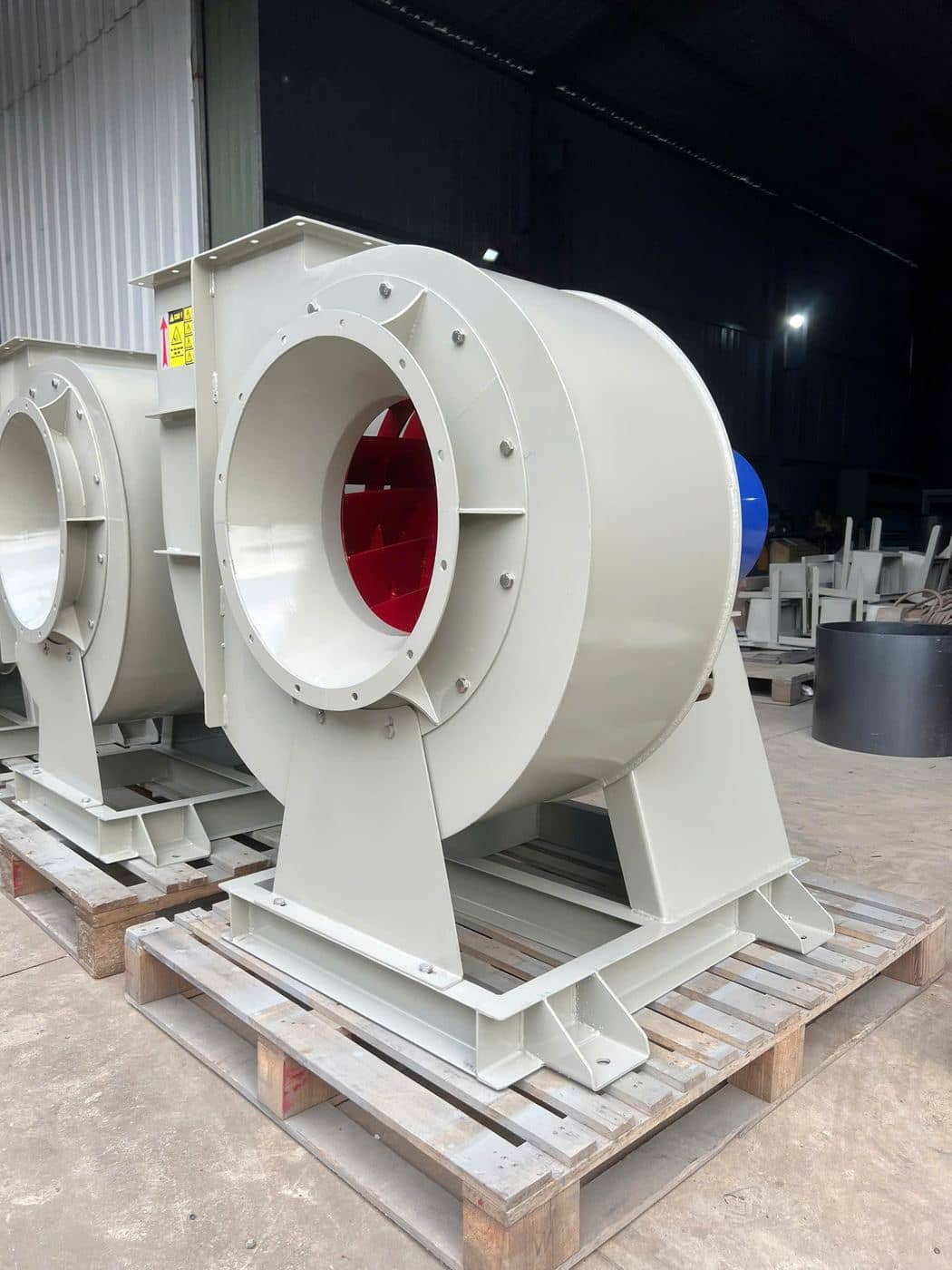
Industrial fans often run for thousands of hours a year, frequently out of sight on a roof or behind a wall. Because they keep working until something fails, maintenance is easy to forget. A simple routine prevents most breakdowns and keeps airflow and electricity costs where they should be.
Safety First
Before any inspection inside the fan, switch off, isolate and lock out the power, and wait until the impeller has stopped completely. A fan can freewheel in a draught even when switched off, so secure the impeller before reaching in.
Bearings
Bearings carry the full weight and force of the rotating impeller. Most fan failures start here.
- Listen for grinding, rumbling or squealing.
- Feel or measure temperature on the bearing housings during routine rounds. A bearing that runs noticeably hotter than usual needs attention.
- Grease correctly — use the grease type and interval given by the bearing or fan manual. More grease is not better: over-greasing causes heat and can push seals out.
- Replace bearings that show play, noise or heat that does not settle after lubrication.
Belts and Pulleys
Belt-driven fans let you set speed by changing pulleys, and many of our fans — PLCF 101, PLCF 121, PLCF 152 and PLAX 204 — can be built for direct or belt drive. If yours is belt-driven:
- Check tension: a loose belt slips, squeals and reduces airflow; an over-tight belt overloads bearings.
- Check alignment with a straight edge across both pulley faces. Misalignment wears belts on one side and causes vibration.
- Inspect belts for cracks, glazing and fraying. On multi-belt drives, replace the whole set together so all belts share the load.
- Check pulleys for worn grooves and loose set screws or bushes.
Impeller Cleaning and Balance
Dust, grease and fibre build up on impeller blades unevenly. Even a thin, uneven layer puts the impeller out of balance, raises vibration and shortens bearing life. Build-up also changes the blade shape and reduces airflow.
- Clean the impeller and housing on a schedule that matches the air being handled — far more often on dusty or greasy duties than on clean-air supply fans.
- Use scrapers, brushes or low-pressure washing. Avoid bending blades.
- After cleaning, check for cracks, erosion and corrosion, especially at blade roots and welds.
- If vibration remains high after cleaning, the impeller may need rebalancing by a specialist.
Vibration
Vibration is the best early warning a fan gives you. Common causes:
- Dirt on the impeller or lost balance
- Worn bearings
- Belt or shaft misalignment
- Loose foundation bolts, mounts or anti-vibration pads
Record vibration readings at the same points each time if you have a meter; a rising trend matters more than a single number. Without a meter, put a hand on the bearing housing and compare it with how the fan felt when new.
Motor Checks
- Keep motor cooling fins and fan covers clean so the motor can shed heat.
- Measure running current and compare it with the nameplate. High current points to a problem with the fan, belt or supply.
- Check terminal connections for tightness and signs of overheating.
- Have an electrician test insulation resistance periodically, especially on fans in humid or outdoor locations.
- Our PLCF and PLAX fans run on 380 V, 3-phase; make sure all three phases are balanced.
Housing, Dampers and Structure
Check the housing for leaks, cracks and corrosion; tighten flange bolts; and make sure inlet guards are intact and free of debris. Dampers and shutters, such as those on PLQF wall fans, should open and close freely.
A Practical Schedule
- Weekly — listen, look, feel for heat and vibration; check guards
- Monthly — belt tension and condition; clean motor surfaces; check bolts
- Quarterly — lubricate bearings as per manual; inspect and clean the impeller (more often for dusty or greasy air)
- Yearly — full inspection of impeller, bearings, housing and motor insulation
Need spare impellers, bearings or belts, or advice on a fan in service? Message us on WhatsApp at +84 946 964 669 or use our quote form.